Support the project
A worker runs the osu! API requests I hand it with your own API application. It reads nothing from your account and I check every answer. Ten minutes to set up.
1. Create an osu! API application
- Open your osu! settings, OAuth section and click New OAuth Application.
- Name: anything. Callback URL:
http://localhost:8091/callback. - Register it and keep the Client ID and Client Secret tab open.
2. Register a worker
- Log in with osu!.
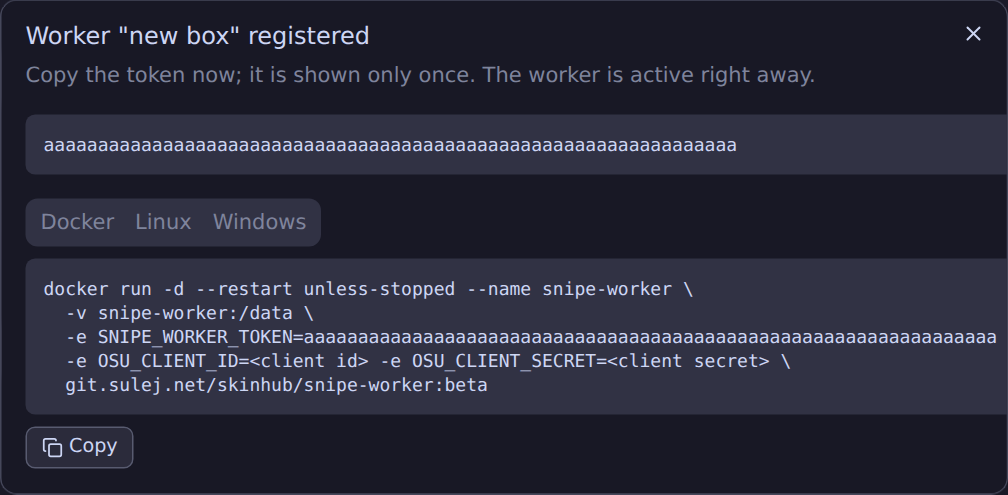
- In the Workers card, type a name and click Register worker.
- Copy the token. It is shown once; if you lose it, delete the worker and register again.
3. Run it
- Download snipe-worker-setup.exe and run it. If SmartScreen complains, click More info, then Run anyway.
- Tick Start with Windows in the installer.
- When it finishes, the status page opens at
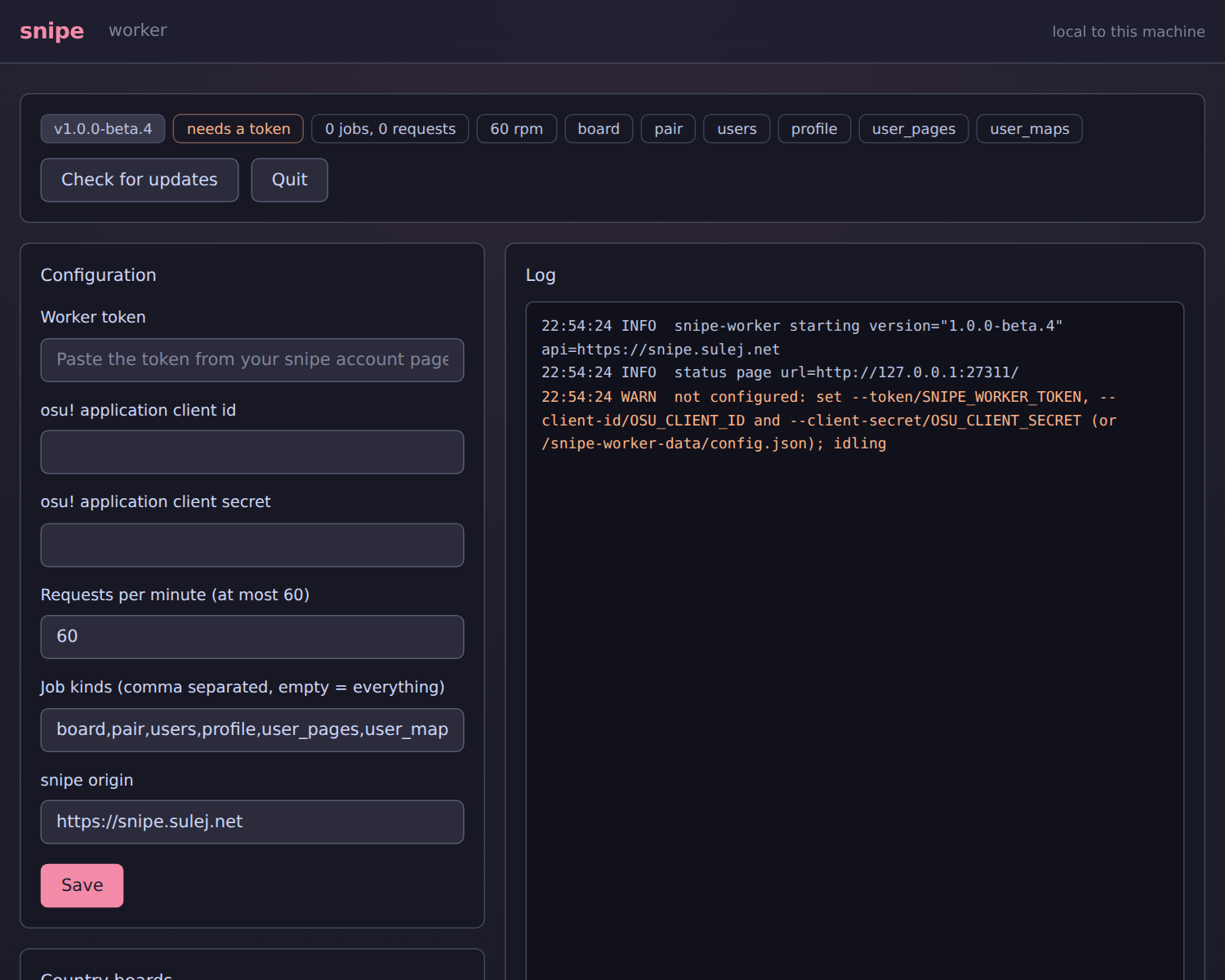
http://127.0.0.1:27300. Paste the token, client id and client secret, click Save. - Done. The log on that page shows
registeredwithin a minute. The worker lives in the tray from now on.
Your account page shows the worker, its version, its jobs and its logs. Quiet minutes mean an empty queue.
Swiss supporters: country leaderboards
Only a Swiss supporter can read the country leaderboards. Log the worker in once and it takes those jobs too; the login stays on your machine.
- On the status page, click Log in with osu! and approve.
- Quit the worker and start it again. It now lists
boardin itsregisteredline.
Problems
- snipe refused the worker token: the token is wrong or the worker was deleted. Register a new one.
- invalid_client: the client id or secret is wrong.
- osu! rate limited: normal. The worker waits and carries on.
- snipe wants a newer worker: the binaries update themselves; Docker needs a pull.
- The login hangs in Docker: use
--pasteas above.
All flags are in the README. Deleting the worker on your account page revokes its token.